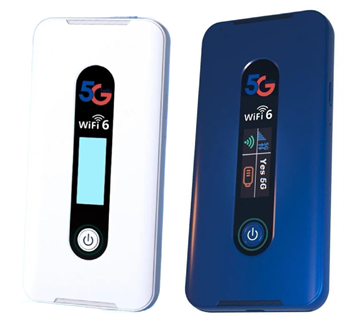
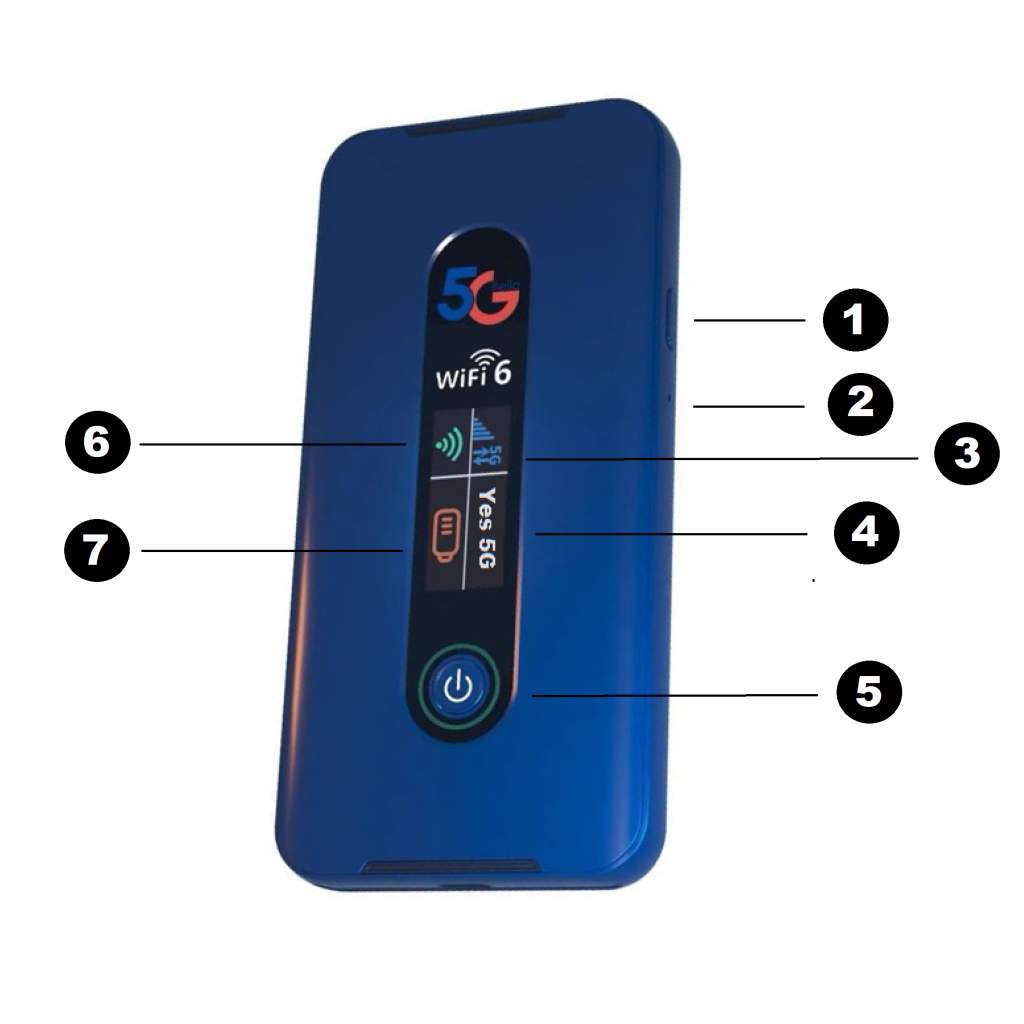
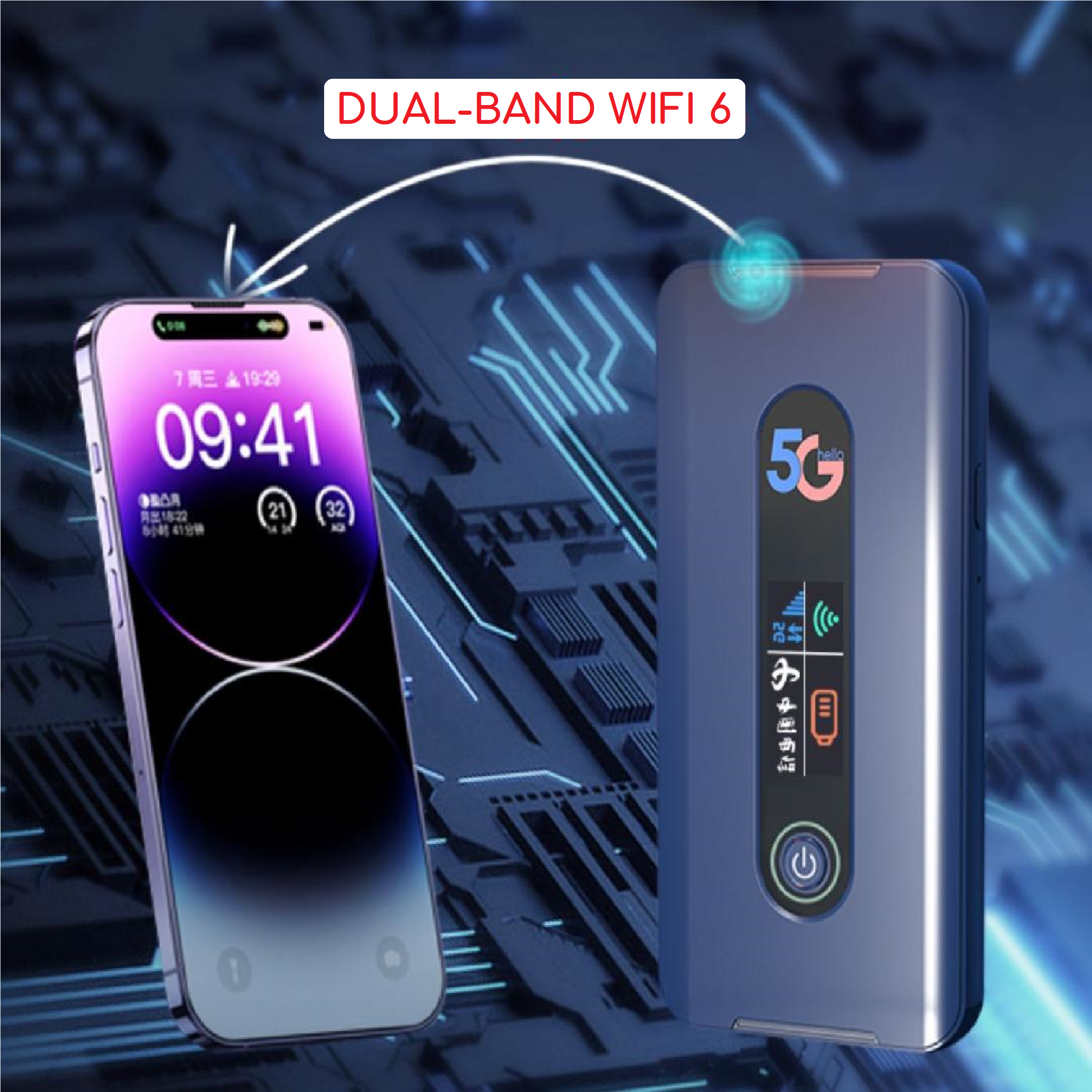
With the MiFi MF650 you can access 5G networks fr faster apps, uploads and downloads connec up to 32 WiFi enabled devices to the internet at once – laptops, tablets, e-readers, gaming consoles and more and experience download speeds up to 10 times faster than 4G.
The MiFi MF650 is also backwards compatible to 4G and 5G networks, ensuring reliable connectivity when you need it most.
Package Contents
MF650 Mobile hotspot
Pre-installed 5000mAh Standard Lithium Ion Battery
Type A to Type C USB charging cable
Quick Start Guide
System Requirements
Compatible with all major operating systems
Works with the latest version of browsers, including Android, Google Chrome, FireFox, Internet explorer, Safari and Mobile Safari
The use WiFi mode, your computer of other devices needs WiFi capability and internet browser software.
MiFi MF650 must have proper data service to function.
About MiFi MF650’s Internet Connection
With 4G/LTE or 5G you can get the speed you require to work efficiently outside the home or office. You can connect to the internet access your corporate intranet, check your email and download attachments at speeds that are up to 10 times faster than 4G.
Caring for your MiFi MF650
Like any electronic device, the MiFi MF650 must be handled with care to ensure reliable operation.
Any telco wireless recommends the following guidelines :
Protect the MiFi MF650 from liquids, dust and excessive temperatures
Do not apply adhesive labels to the MiFi MF650; they might cause the MiFi MF650 to potentially overheat and they might alter the performance of the antenna.
Store the MiFi MF650 in a safe place when not in use
We use cookies to ensure that we give you the best experience on our website. If you continue to use this site we will assume that you are happy with it.